| Saturday, Saturday, July 5, 2025 |
General, PiStorm
Posted by
(c) FRF1984 -2025
at
08:49:35
|
🎧 Top 10 Amiga Audio Tools
| 🎛️ Tool |
🔍 Description |
🔗 Link |
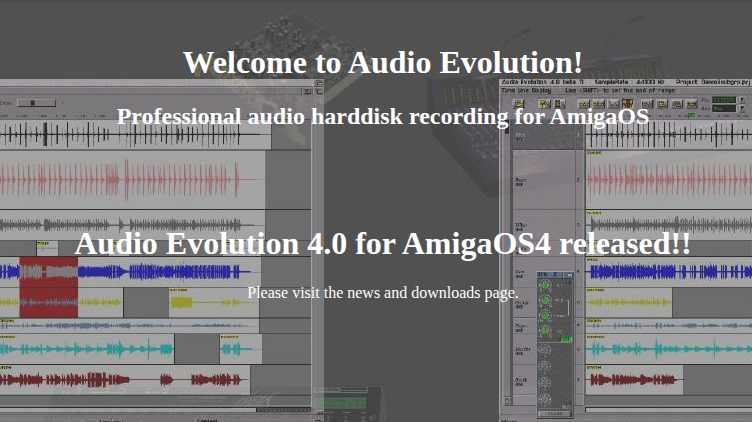
| Audio Evolution |
Multitrack DAW with AHI support for recording, mixing, and effects. Best DAW for OS3.x. |
Archive Link |
| OctaMED SoundStudio |
Tracker/DAW hybrid with sample and MIDI support, up to 16 channels via AHI. |
Aminet |
| Bars & Pipes Professional |
Advanced modular MIDI sequencer, ideal for external synths and MIDI routing. |
Aminet |
| ProTracker |
Classic 4-channel MOD tracker. Great for chip tunes and demo music. |
Aminet |
| DigiBooster Pro |
16-bit tracker with AHI support. Allows stereo samples and modern effects. |
Official Site |
| Delitracker |
MOD and exotic tracker player with support for many music formats. |
Aminet |
| AHI Audio System |
Universal audio driver layer for AmigaOS. Required by many modern tools. |
Aminet |
| MusicMaker V8 |
Sample-based tracker and sequencer with digital editing and effects. |
Aminet |
| Camouflage |
Modular audio environment with plug-in DSP routing and sequencing. |
Aminet (demo) |
| Horny MIDI Sequencer |
Simple, lightweight MIDI-only sequencer for OS3.x and OS4. |
Aminet |
|
|
1233 views •
Add a comment
|
Permalink »
|
| Tuesday, Tuesday, July 1, 2025 |
General
Posted by
(c) FRF1984 -2025
at
00:27:18
|
|
|
|
886 views •
Add a comment
|
Permalink »
|
| Monday, Monday, June 30, 2025 |
General
Posted by
(c) FRF1984 -2025
at
11:59:42
|
Info will be added here from the amiga side:
|
|
951 views •
Add a comment
|
Permalink »
|
| Friday, Friday, June 27, 2025 |
General, Shop
Posted by
(c) FRF1984 -2025
at
17:07:10
|
If you’ve ever turned on your Amiga setup and found it’s defaulting to HDMI output when you really want to use the classic RGB display, you’re not alone. In today’s quick tutorial, we walk you through how to force your Amiga to boot into RGB video mode — step by step.
🎬 Watch the Tutorial
📹 Watch on YouTube
🛠️ Step-by-Step Instructions
Check the Boot State
If your machine is booted up and playing audio but your screen remains blank on RGB, it’s likely defaulting to HDMI.
Reset the Amiga
Press and hold Ctrl + Amiga + Amiga to reset.
Hold both mouse buttons down as it reboots.
Access the Boot Menu
When the boot menu appears, don’t let go just yet.:
As soon as you click on “Boot,” hold both buttons down again.
Force RGB Mode
This double-button trick forces the system to boot using the RGB display.
You should now see the welcome screen saying: “This is Amiga speaking — Welcome to Captain.”
🧩 Customize Your Setup
Once booted into RGB mode:
Adjust your keyboard and mouse settings
Explore screen mode options
Switch between Low Res and High Res
Personalize your theme
📝 Final Tips
Sometimes older buttons can be finicky. Be sure both mouse buttons are firmly pressed during the process. If you ever get stuck in HDMI again, just repeat this trick!
|
|
1073 views •
Add a comment
|
Permalink »
|
| Sunday, Sunday, June 22, 2025 |
General, E-UAE
Posted by
(c) FRF1984 -2025
at
11:25:47
|
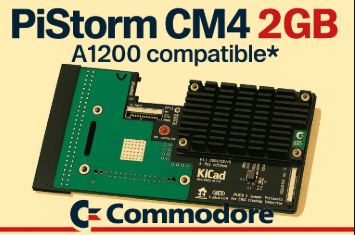
Building a new PiStorm Setup…
|
|
829 views •
Add a comment
|
Permalink »
|